Image 1 of 7
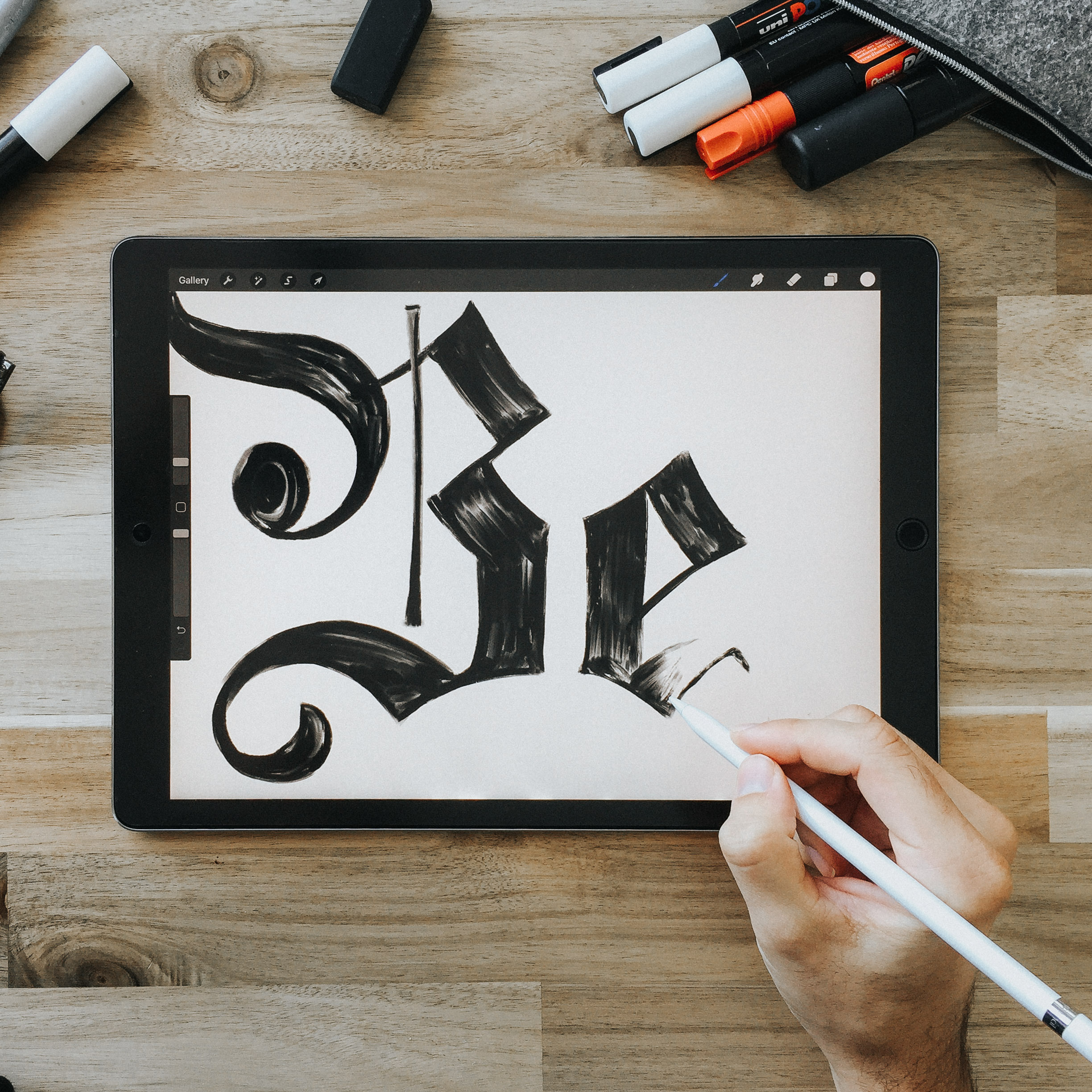 Image 2 of 7
 Image 3 of 7
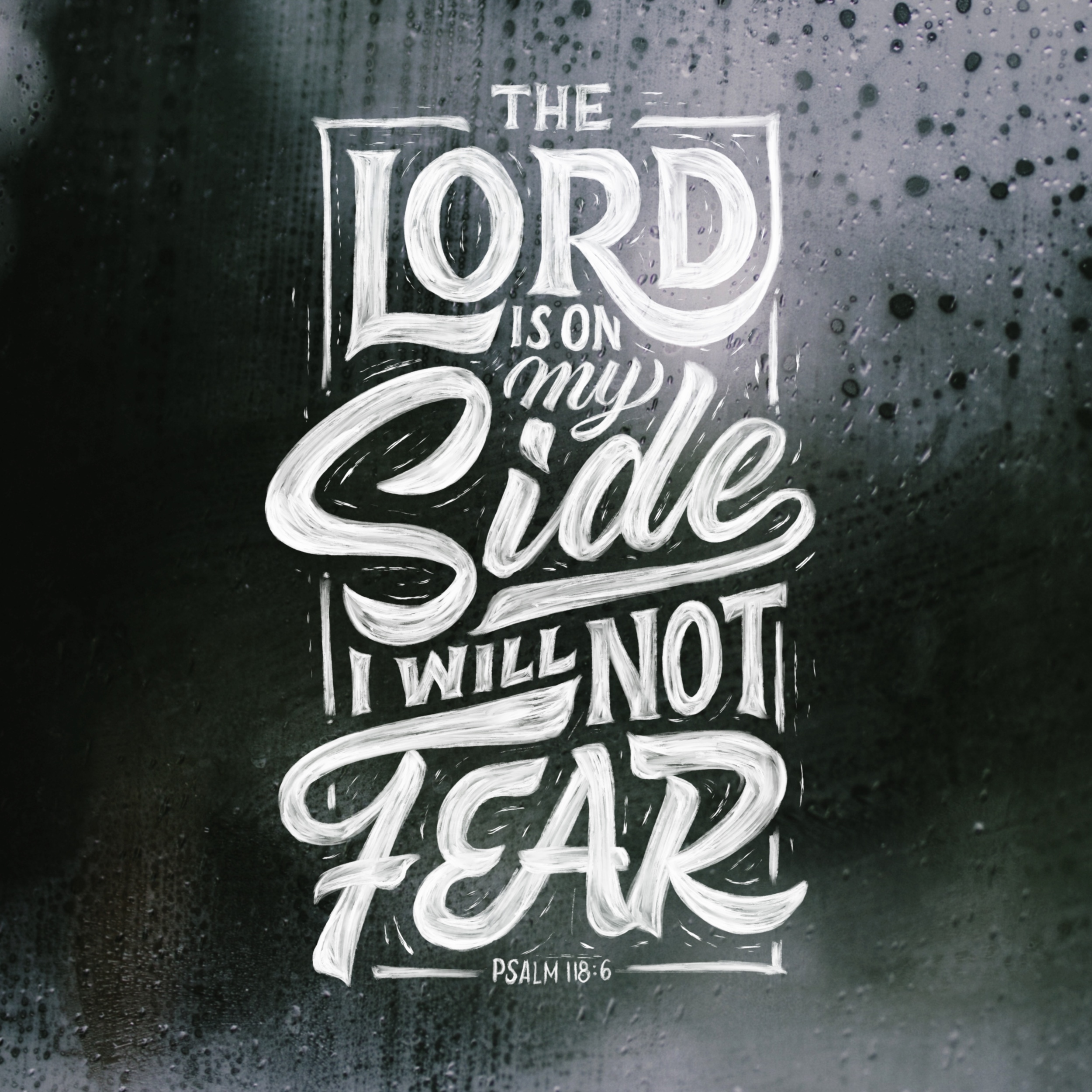 Image 4 of 7
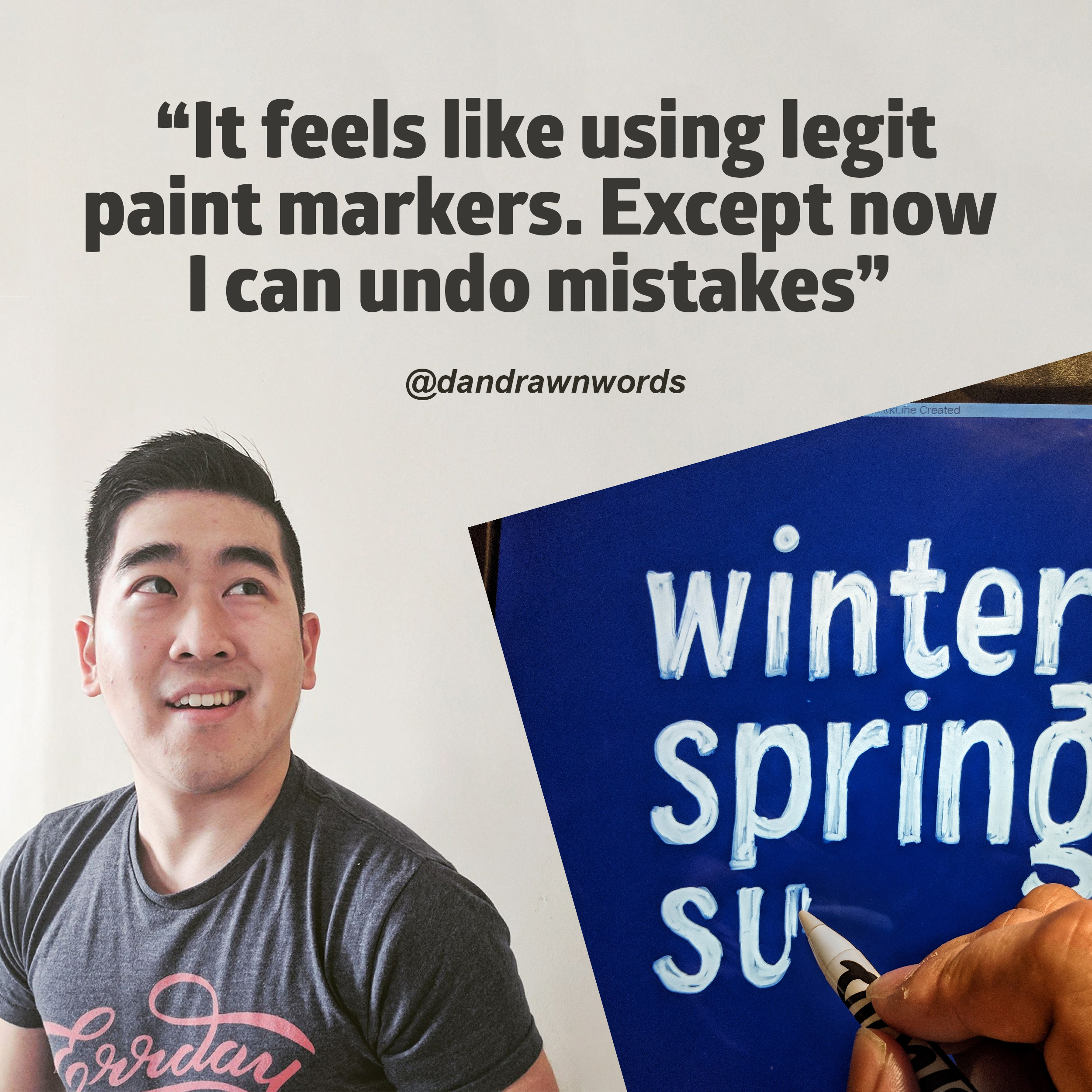 Image 5 of 7
 Image 6 of 7
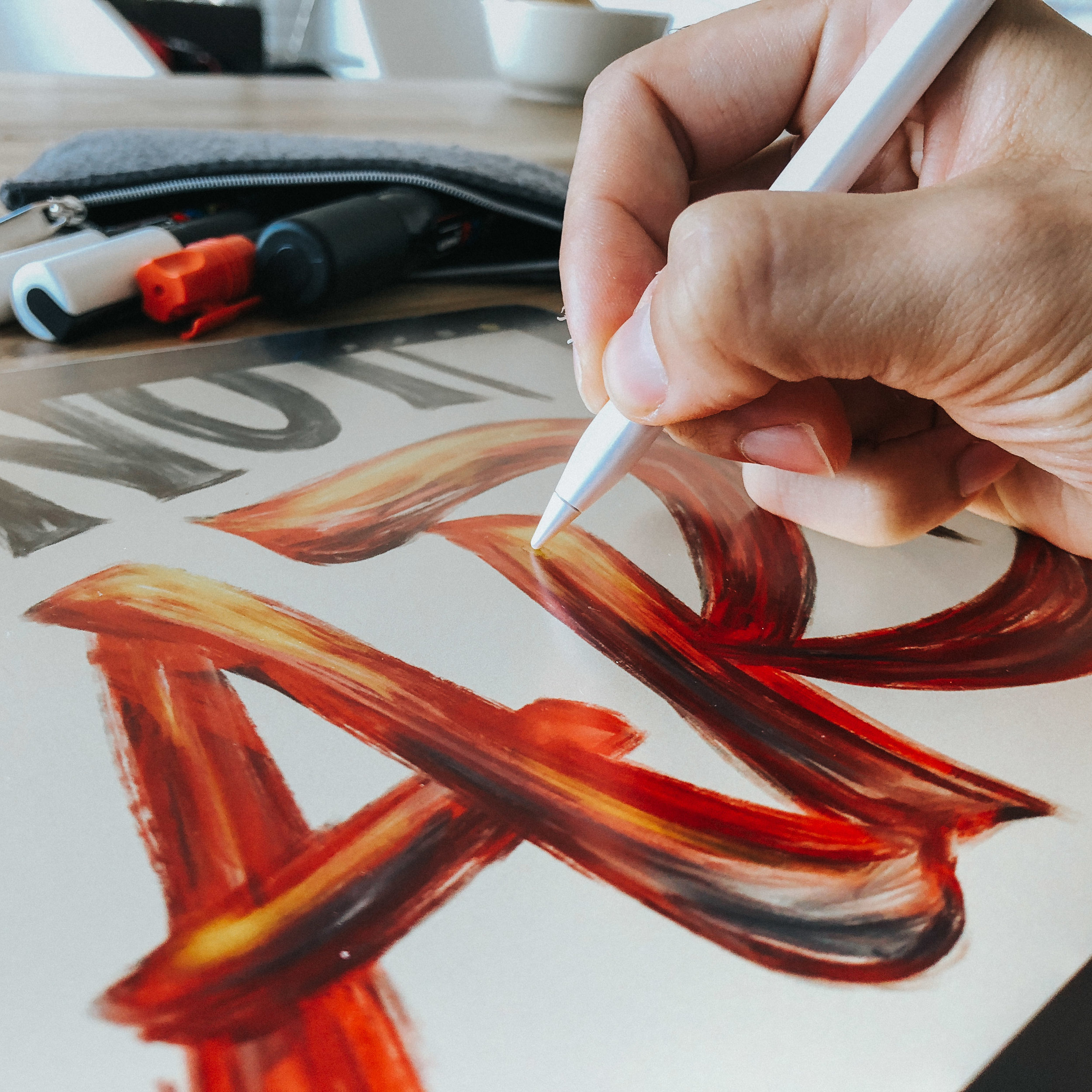 Image 7 of 7
Paint Markers - Bringing texture to digital Lettering
Bored of flat&monotonous surfaces and missing the beautiful structures of ink and paint? I know I do and many of you do too. Which is why I am bringing texture back to digital lettering. Something I’ve been using a lot in my latest procreate pieces. This is not your conventional Lettering Brush to be used for brush lettering but more like actual paint markers, used to fill out a surface and create realistic looking effects like it would be in real life except with the iPad you can undo mistakes.
What's included:
PDF Download guide (containing a link to files and tutorial video)
6 x Procreate Brushes
Invite to our private Telegram Group Chat (to share and ask questions)
Tutorial Video on how to use the Paint Markers Brushes
Minimum Requirements
iPad or iPhone with Procreate (Apple Pencil not required but recommended)
Download:
Download the pdf “download guide” to any device (link to pdf expires 24 hours after purchase). Open pdf file and open the download link on your iPad to access the brush kit. Click on the file, then tap download and finally select open in files and the brushes will automatically be imported to procreate.
Support:
Should you experience any problems not found within these instructions then please to reach out to me via my contact form.
Now Go Create Something Today!
Stefan
Ratings
To help you create even more, The Paint Markers perfectly harmonize with the following tools:
Composition has never been easier!
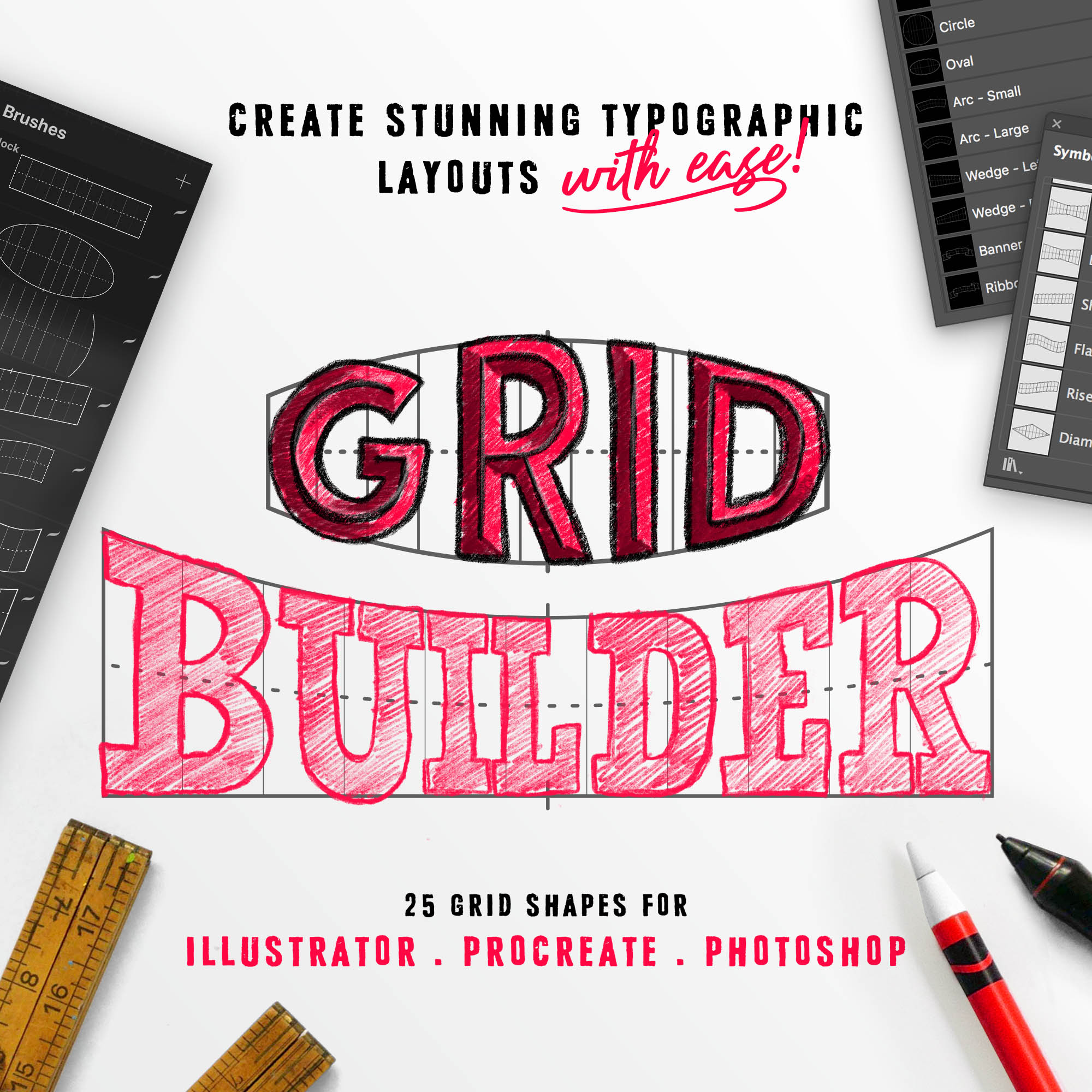
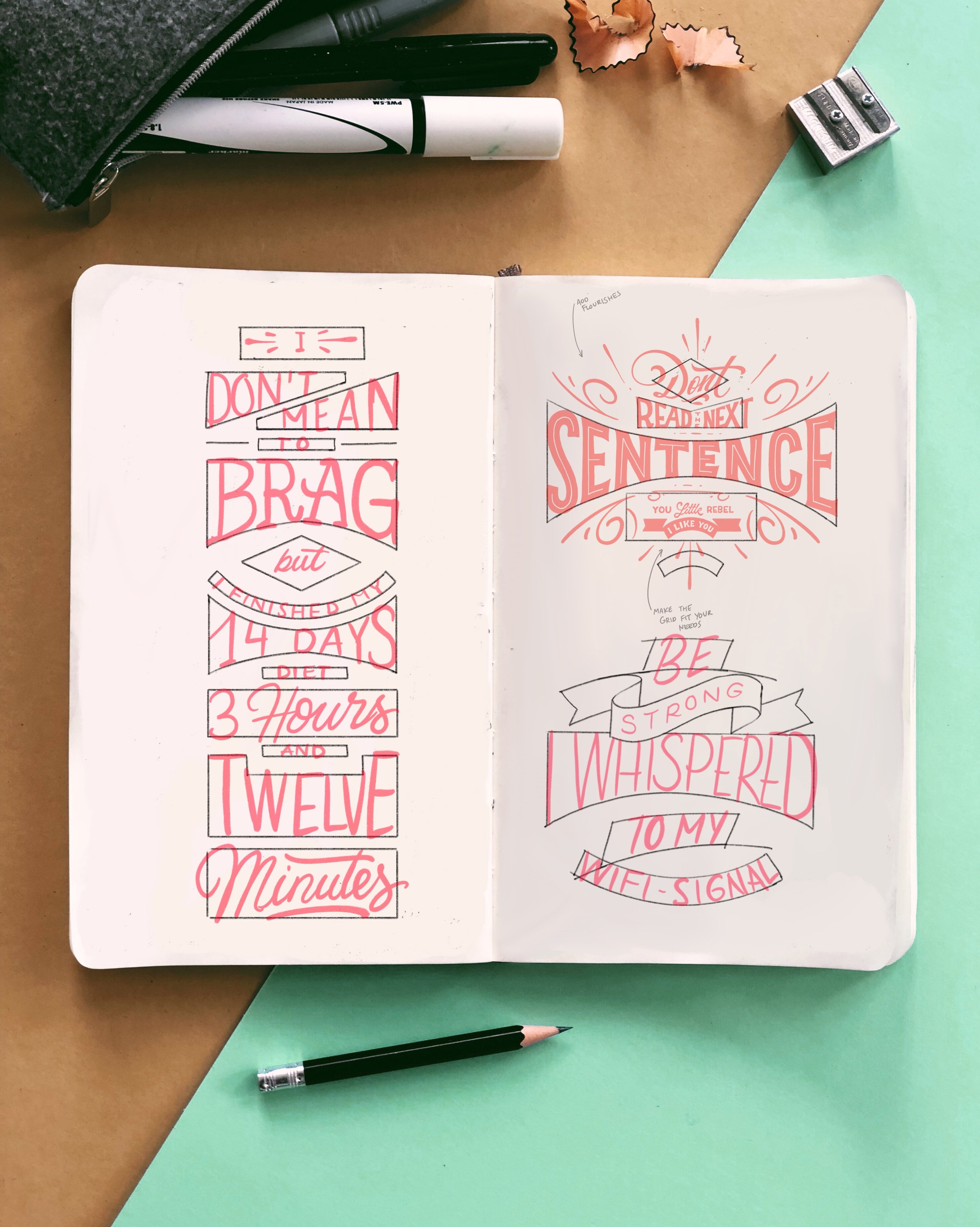
Haven't we all had those days were we just couldn't come up with anything but simply drawing a blank? Well I have, and to overcome this, I've created grids to help me out. And I've compiled 25 of the best Grids to help you out.
You can either print it out, draw it in your sketchbook, open it in photoshop or procreate. Whatever works best for you is what I care about. Simply start lettering in the grids and learn how easy it can be.
What you'll get is 25 different grids + 2 BONUS grids as PDF, JPEG, PNG, Photoshop and Procreate files and even Procreate Brushes.
Download:
Save the zipped file to your desktop, uncompress it and then add the items to your iCloud drive to be able to access on your iPad. If you are downloading straight to your iPad then install the free app "FileExplorer Free" onto your iPad first, then you'll be able to open the zip file. (The brushes are the same as the Files, but will be displayed in your brush panel)
Support:
Should you experience any problems not found within these instructions then please to reach out to me via my contact form.

Welcome to the MORNING SCRIBBLES Mockup bundle to show off your lettering and designs.
Skip the trip to your local coffee shop or the hassle of setting up for the perfect shot. I got you! I‘ve been hard at work so you don’t have to.
Find the perfect solution to show off your handcrafted designs, with a beautiful Stationary Mock Up. Ready to be shared on your social media or website.
DOWNLOAD
Upon purchase, you’ll receive an email with a download link (expires after 24 hours) to a zip file containing:
17 mock ups (3 Black and 14 White). Each mock up comes with a psd and procreate file with layer to place your own design.
All Mockups are Instagram ready: Dimension 3000x3750px
TIME LIMITED BONUS OF OVER 100 additional Photos (JPEG)
WHY USE IT?
Viewers are twice as likely to retain information if it's associated with a visual! Platforms like Instagram and Facebook allow you to share visual pieces of your brand. Using our styled stock images is an easy, affordable way to maintain a cohesive image across all digital platforms.
TERMS OF USE
Personal use included. For commercial use beyond social media please get in touch.
Stefan Kunz Design remains the sole, exclusive owner and holder of the copyright for the image and you may not sell, lease, loan, transfer, share or give the image to a third-party to use in any way. Thank you!